

Introduction
For many local businesses, the customer journey does not start on the website. It starts on Google Search or Google Maps. A customer searches for “dentist near me,” “best restaurant in Jaipur,” “plumber open now,” or “salon near me,” and Google displays local businesses with ratings, photos, hours, services, directions, and call buttons.
That is where a Google Business Profile becomes a serious growth asset.
Google describes Business Profile as a free profile that helps businesses manage how they appear on Google Search and Maps, including photos, reviews, products, services, and updates. (business.google.com)
A fully optimized profile can support better local visibility, stronger trust, more direction requests, more calls, and more website visits. It is not a one-time setup task. It is an ongoing local SEO system that needs accurate information, strong category mapping, regular review management, fresh photos, useful posts, and performance tracking.
This guide explains how to optimize a Google Business Profile in a practical, test-friendly format with tables, checklists, numbers, FAQs, internal links, external links, image blocks, and structured content.
What is Google Business Profile?
Google Business Profile, often called GBP, is the business listing that appears on Google Search and Google Maps. It can show your business name, address, phone number, website, hours, reviews, photos, products, services, questions, posts, and customer actions.
Section image: Google Search local results with business listings and a highlighted Business Profile panel.
A strong profile helps customers answer important questions before they contact you:
- Is this business open right now?
- Is it close to me?
- Does it offer the service I need?
- Can I call, book, visit, or message?
- Do other customers trust this business?
- Does the business look active and reliable?
Google also allows businesses to personalize their profile with photos, manage reviews, share updates, show products and services, and help customers discover what they offer. (business.google.com)
Why Google Business Profile Matters for Local SEO
A website helps you explain your business in detail. A Google Business Profile helps you capture local intent at the moment of decision.
For example, a user searching “emergency electrician near me” is usually not looking to read a long blog first. They want a reliable provider, fast contact, clear reviews, and accurate availability. Your GBP can become the conversion layer between local search intent and real business enquiries.
A good profile can support:
- More visibility in Google Maps
- More visibility in local pack results
- More calls from mobile users
- More website clicks
- More direction requests
- More trust through reviews
- More product and service discovery
- More branded search confidence
BrightLocal’s 2025 Local Consumer Review Survey found that only 4% of consumers say they never read online business reviews, which shows how central reviews still are to local decision-making. (brightlocal.com)
Google Local Ranking Factors
Google says local results are mainly based on relevance, distance, and prominence. (support.google.com)
| Ranking Factor | What It Means | What You Can Improve |
|---|---|---|
| Relevance | How well your profile matches the search query | Categories, services, business description, products, website content |
| Distance | How far the business is from the searcher or searched location | Accurate address, service areas, location clarity |
| Prominence | How well-known and trusted the business appears | Reviews, ratings, links, citations, photos, brand mentions |
You cannot control every ranking factor, especially user location. But you can improve the signals that help Google and customers understand what your business does, where it operates, and why it should be trusted.
Google Business Profile Optimization Checklist
Use this checklist before publishing, editing, or auditing a profile.
| Area | Optimization Task | Priority | Suggested Frequency |
|---|---|---|---|
| Business Name | Use the real-world business name only | High | One time |
| Primary Category | Choose the most accurate main category | High | Quarterly review |
| Secondary Categories | Add relevant supporting categories | Medium | Quarterly review |
| Address | Keep address accurate and consistent | High | Whenever changed |
| Phone Number | Use a working local or main business number | High | Monthly check |
| Website Link | Add the most relevant landing page | High | Monthly check |
| Hours | Add regular, holiday, and special hours | High | Weekly or seasonal |
| Services | Add clear service names and descriptions | High | Monthly update |
| Products | Add product names, images, and pricing if applicable | Medium | Monthly update |
| Photos | Add real, high-quality business photos | High | Weekly or monthly |
| Reviews | Request, monitor, and respond to reviews | High | Daily or weekly |
| Posts | Share updates, offers, or events | Medium | Weekly |
| Q&A | Add helpful questions and answers | Medium | Monthly |
| Performance | Track calls, clicks, views, searches, and directions | High | Monthly |
Category, Service, and Product Optimization
Your category strategy is one of the most important GBP decisions. The primary category tells Google the main nature of your business. Secondary categories provide additional context.
For example:
| Business Type | Possible Primary Category | Supporting Services |
|---|---|---|
| Dental Clinic | Dentist | Teeth cleaning, implants, braces, root canal |
| Wedding Planner | Wedding Planner | Destination wedding, venue planning, decor planning |
| Digital Agency | Marketing Agency | SEO, Google Ads, website development |
| Restaurant | Restaurant | Dine-in, takeaway, delivery, catering |
| Salon | Beauty Salon | Haircut, hair color, bridal makeup, facial |
The goal is not to stuff keywords. The goal is to match your actual business model with how customers search.
Best practices for services
When adding services, use simple and search-friendly names:
- Good: “Emergency Plumbing”
- Weak: “Fast Expert Home Solution”
- Good: “Bridal Makeup”
- Weak: “Premium Beauty Transformation”
- Good: “Google Ads Management”
- Weak: “Performance Growth Engine”
Add short service descriptions where available. Each service description should explain what the customer gets, who it is for, and when they should choose it.
Best practices for products
If your business sells products, add product photos, names, prices, and descriptions. Google says businesses can showcase popular products on their profile so customers can understand what they offer. (business.google.com)
Review Management Strategy
Reviews are not only about star ratings. They are conversion assets. Customers read the tone, details, photos, recency, and owner responses.
Section image: Review management dashboard with review responses, rating summary, topics, and review form sharing.
BrightLocal’s 2025 survey found that 42% of consumers trust reviews as much as personal recommendations, down from 79% in 2020. This means people still read reviews, but they are also more cautious and detail-driven. (brightlocal.com)
A strong review strategy should include:
- Asking real customers for honest reviews
- Never offering incentives for reviews
- Responding to positive and negative reviews
- Encouraging customers to mention the actual service used
- Monitoring review themes
- Using review insights to improve service delivery
Review response examples
| Review Type | Bad Response | Better Response |
|---|---|---|
| Positive review | Thanks. | Thank you for sharing your experience. We are glad our team could help and we appreciate your trust. |
| Negative review | This is not true. | Thank you for the feedback. We are sorry your experience did not meet expectations. Please contact our team so we can review this and resolve it properly. |
| Neutral review | Ok. | Thank you for your honest feedback. We appreciate it and will use it to improve the customer experience. |
Google states that owner responses appear below customer reviews on Search and Maps with the label “Response from the owner.” (about.google)
Photos, Videos, and Posts
Fresh visuals help customers understand what to expect. Add real photos instead of over-polished stock images. For local businesses, authenticity often beats perfection.
Section image: Business Profile dashboard showing photos, posts, products, and services in one view.
Recommended image types
- Exterior photo
- Interior photo
- Team photo
- Product photo
- Service-in-action photo
- Before and after photo
- Menu or catalogue photo
- Parking or entrance photo
- Customer experience photo
- Seasonal or event photo
Google’s photo guidance notes that photos can spotlight business features customers use while deciding whether to purchase products or services. (support.google.com)
Google Business Profile posts
Google allows businesses to create update, offer, and event posts. Update posts can include a description, photo, video, and action button. Offer posts require a title and date details, while event posts require event dates and can include descriptions, visuals, and buttons. (support.google.com)
Useful post ideas:
- New service launch
- Festival offer
- Limited-time discount
- New product arrival
- Customer success story
- Event announcement
- Seasonal business update
- Booking reminder
- Educational tip
- Behind-the-scenes update
Important: Google says posts with phone numbers in the post description might get rejected, and the recommended alternative is to use the “Call now” button with the verified profile phone number. (support.google.com)
Performance Metrics to Track
Optimization without measurement becomes guesswork. Google Business Profile performance data can show how customers discover and interact with your profile.
Section image: Performance dashboard showing profile views, calls, website clicks, directions, searches, and discovery metrics.
Google’s performance metrics may include interactions, searches, views, directions, calls, website clicks, messages, bookings, product views, menu actions, and offers, depending on business type and enabled features. (support.google.com)
| Metric | What It Shows | Why It Matters |
|---|---|---|
| Searches | Search terms people used to find the business | Helps identify demand and keyword opportunities |
| Views | Profile views on Search and Maps | Shows visibility trend |
| Calls | Clicks on the call button | Measures direct lead intent |
| Website Clicks | Clicks to the website | Shows deeper research intent |
| Directions | Direction requests | Useful for stores, clinics, restaurants, and venues |
| Messages | Conversations through GBP messaging | Measures enquiry volume |
| Bookings | Completed bookings through providers | Useful for appointment-based businesses |
| Product Views | Views on products listed in profile | Useful for retail and local product businesses |
Monthly reporting format
| Month | Views | Calls | Website Clicks | Directions | Reviews Added | Average Rating |
|---|---|---|---|---|---|---|
| January | 4,500 | 120 | 310 | 85 | 18 | 4.6 |
| February | 5,200 | 148 | 360 | 92 | 22 | 4.7 |
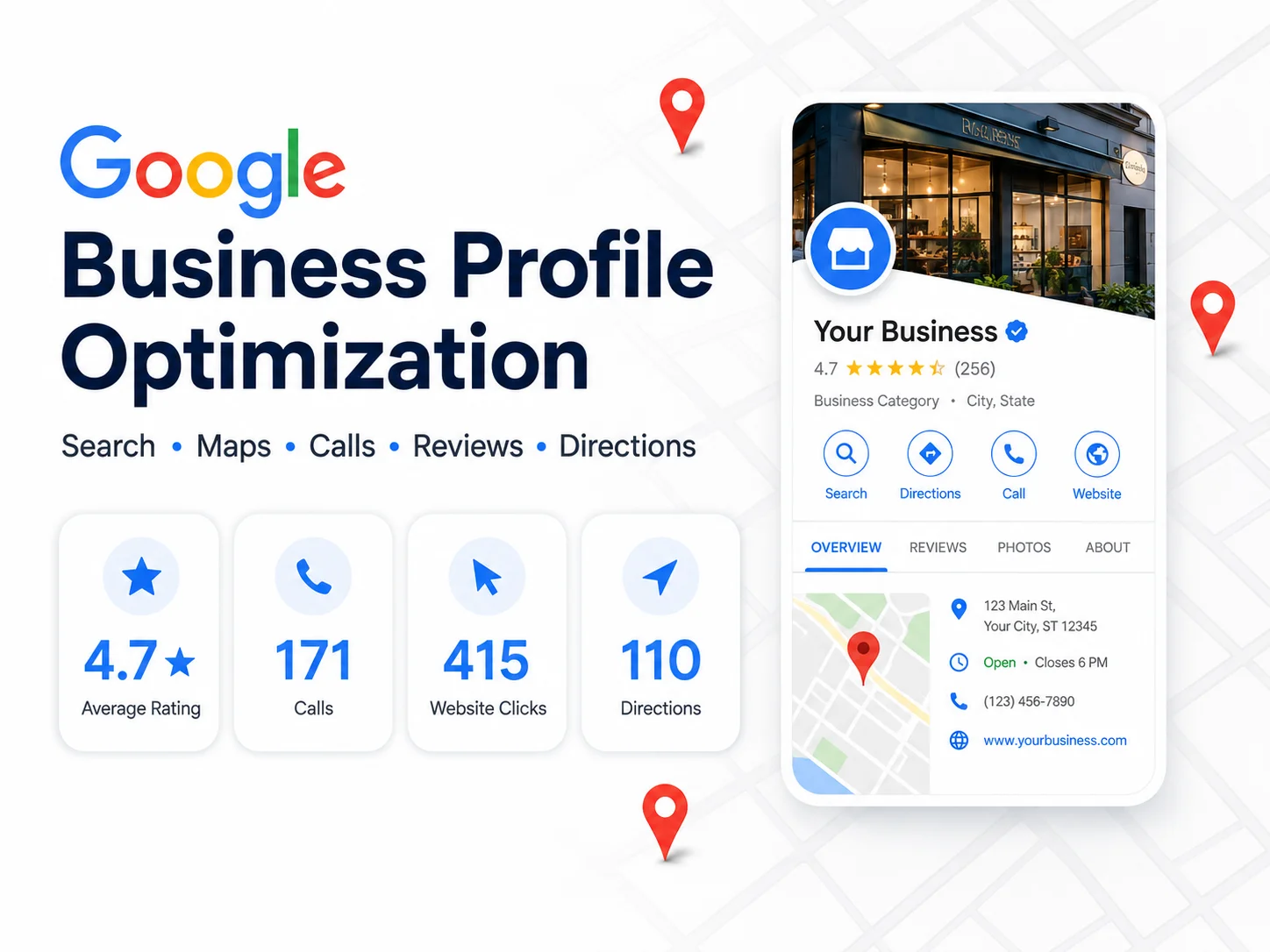
| March | 6,050 | 171 | 415 | 110 | 27 | 4.7 |
This table is sample data for testing. Replace it with actual performance numbers from the business profile.
Common Google Business Profile Mistakes to Avoid
Many businesses create a profile but fail to manage it properly. This creates lost visibility and weak conversion.
Avoid these mistakes:
1. Adding keywords to the business name when they are not part of the real business name
2. Choosing a broad or inaccurate primary category
3. Using a homepage link when a location or service page would convert better
4. Ignoring negative reviews
5. Not responding to positive reviews
6. Uploading only stock photos
7. Forgetting special hours during holidays
8. Adding duplicate profiles
9. Not tracking calls and website clicks
10. Posting low-quality updates with no customer value
11. Using inconsistent business details across directories
12. Not adding services, products, attributes, or Q&A
30-Day Google Business Profile Action Plan
| Day Range | Focus Area | Key Actions |
|---|---|---|
| Days 1 to 3 | Audit | Check name, address, phone, website, hours, category, and verification |
| Days 4 to 7 | Core Optimization | Update categories, services, products, business description, and attributes |
| Days 8 to 12 | Visuals | Add exterior, interior, team, product, and service photos |
| Days 13 to 17 | Reviews | Create review request process and respond to old reviews |
| Days 18 to 22 | Posts | Publish 2 to 3 helpful posts with strong CTA buttons |
| Days 23 to 26 | Website Alignment | Match GBP services with website service pages |
| Days 27 to 30 | Reporting | Track calls, clicks, views, directions, reviews, and ranking movement |